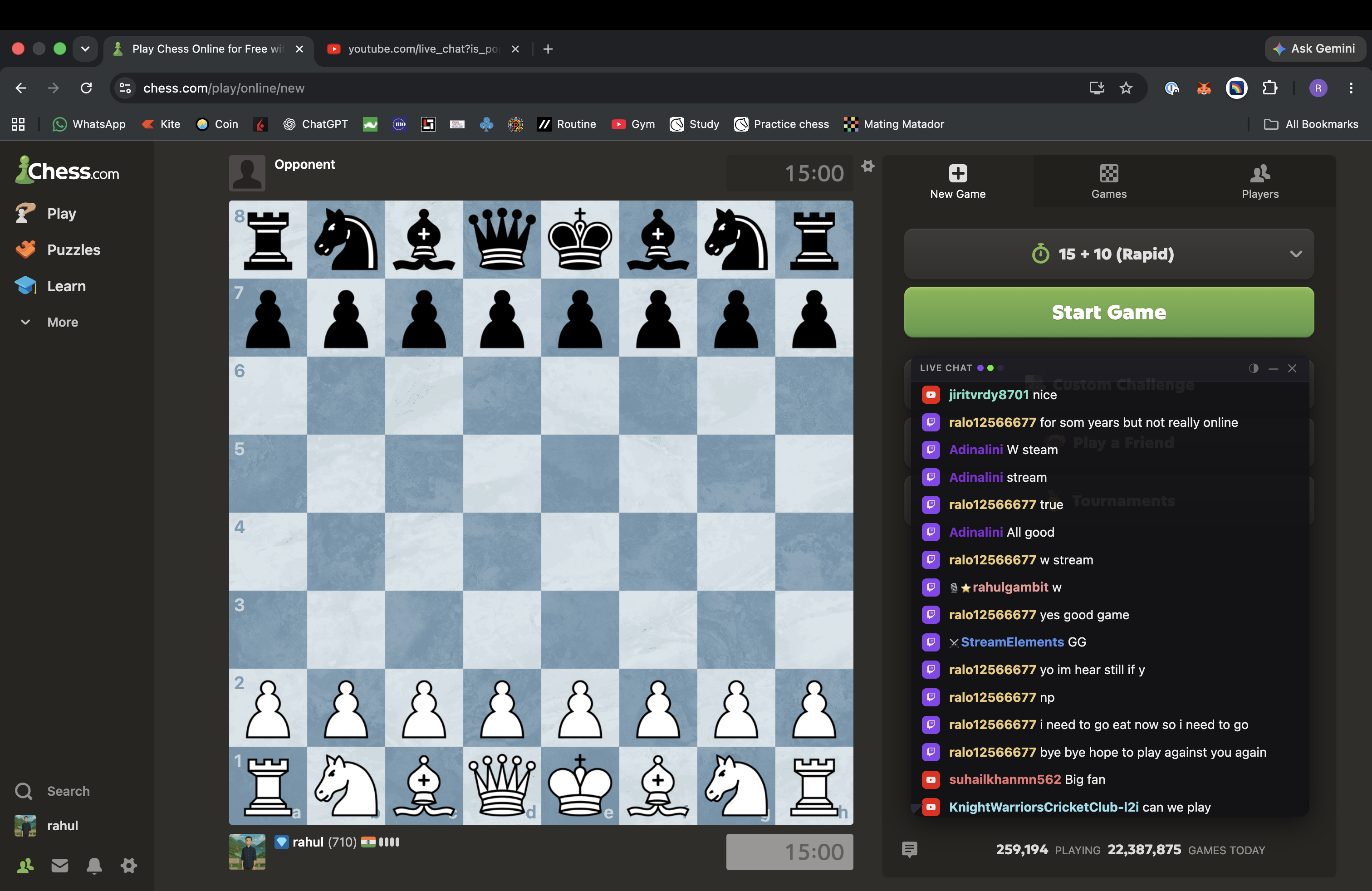
For streamers who game on a single screen
Stream on Twitch, Kick, or YouTube while gaming on chess.com, GeoGuessr, or any other website — your chat floats on top so you never miss a message.
No data collected. No account. No tracking.
Click Add to Chrome above to install from the Chrome Web Store.
Click the Chat Overlay icon in your Chrome toolbar to open the popup.
Click the Chat Overlay icon in your toolbar, enter your Twitch / Kick / YouTube channel, and hit Save & Connect.
Free forever · No account needed